Industrial HMI
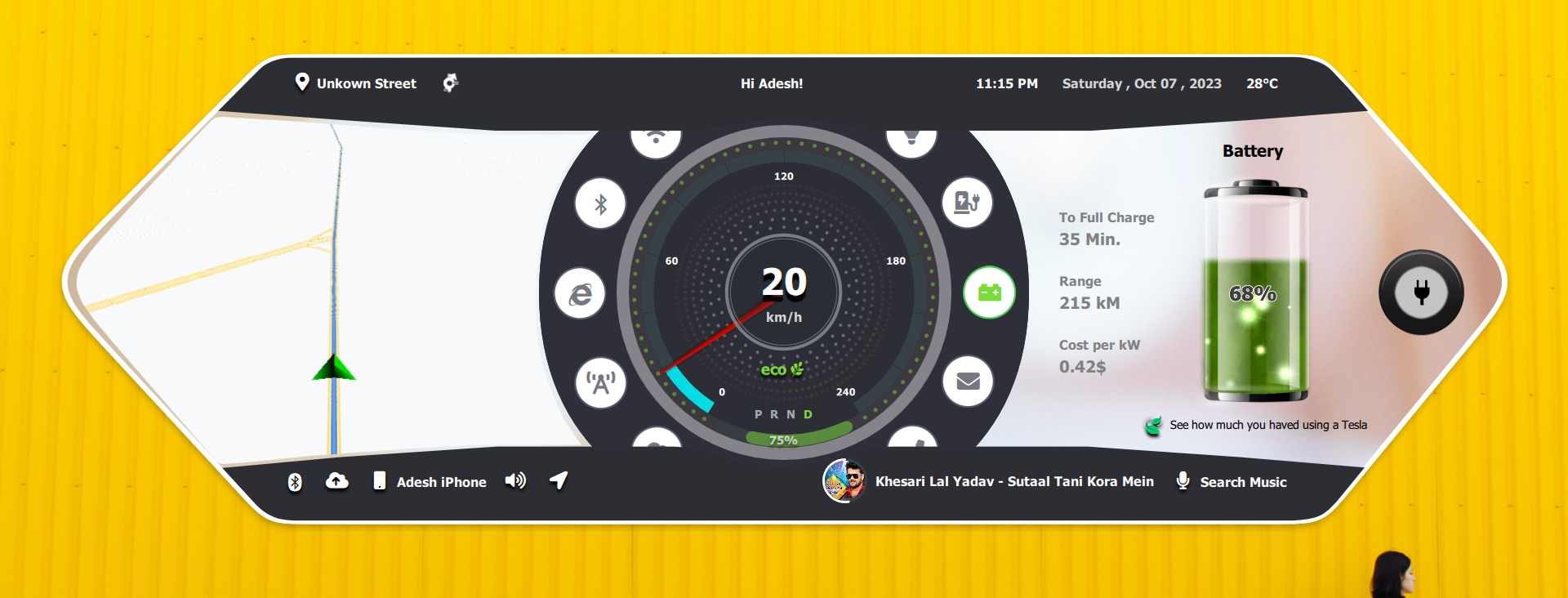
Advanced Qt-based HMI interface with multi-panel layouts and live industrial data visualization.
Outcome
Multi-panel monitoring interface for operational status, energy, controls, and diagnostics.
Industry
Industrial HMI
Platform
Qt Quick, C++, Monitoring UI
Engagement
Advanced HMI screen system
01
Multi-panel layouts
02
Live data visualization
03
Operational dashboards
Case study
The project needed a Qt/QML interface that could communicate complex system state clearly, remain maintainable, and scale across multiple screens without visual or architectural drift.
Multi-panel monitoring interface for operational status, energy, controls, and diagnostics.
Deliverables
The implementation focuses on maintainable QML composition, C++ integration readiness, responsive screen layouts, and UI states that can be validated against real product data.
Screenshots
Screens from the project showing core workflows, control surfaces, dashboard states, and interaction patterns.
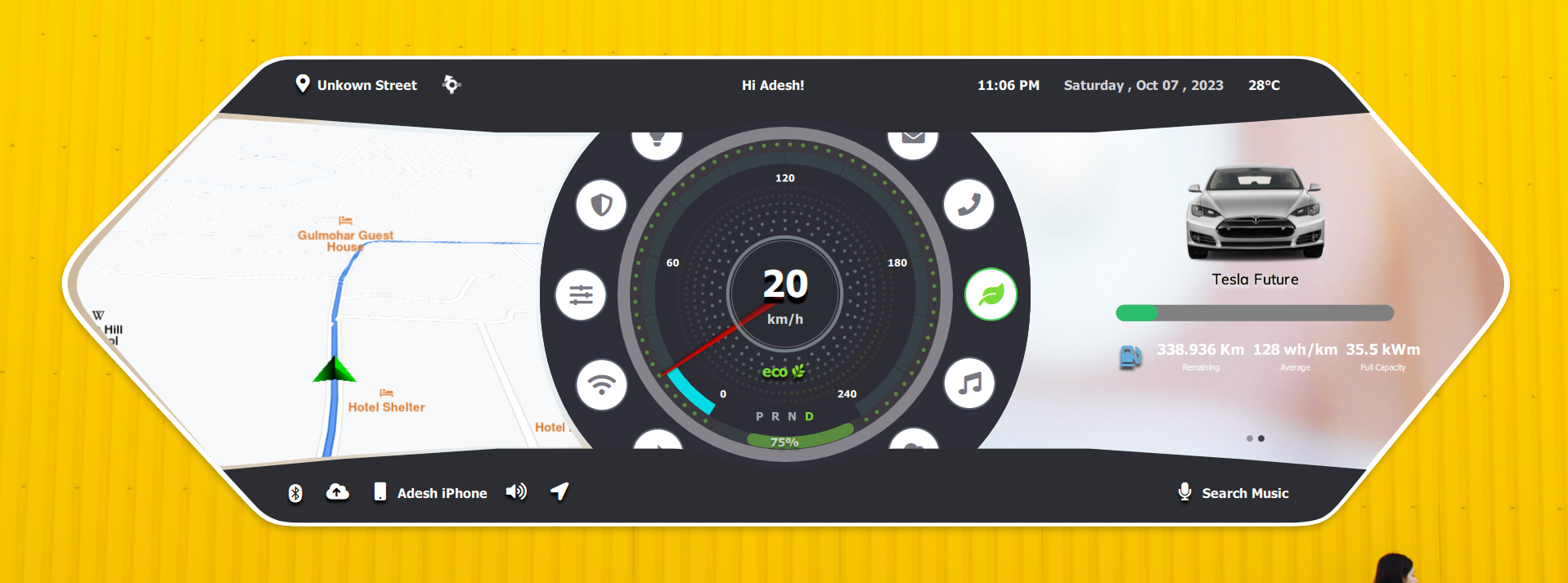
High-performance Qt/QML HMI screen designed for real-time vehicle control and monitoring.
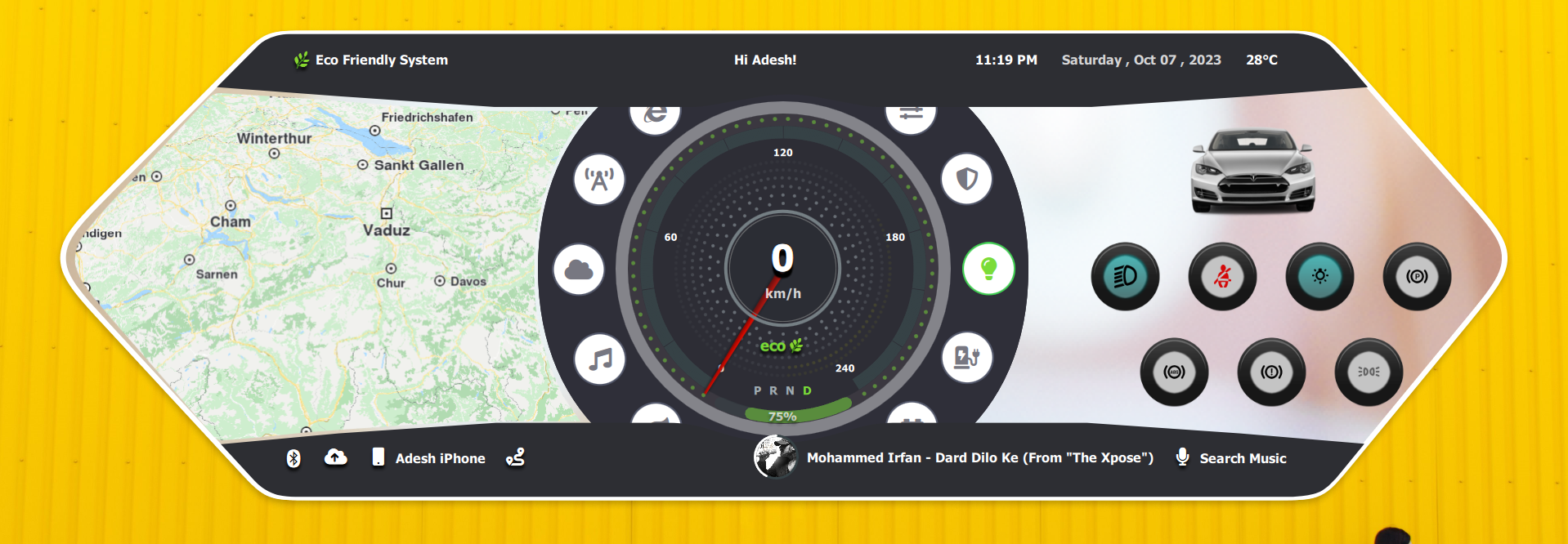
High-performance Qt/QML HMI screen designed for real-time vehicle control and monitoring.
High-performance Qt/QML HMI screen designed for real-time vehicle control and monitoring.
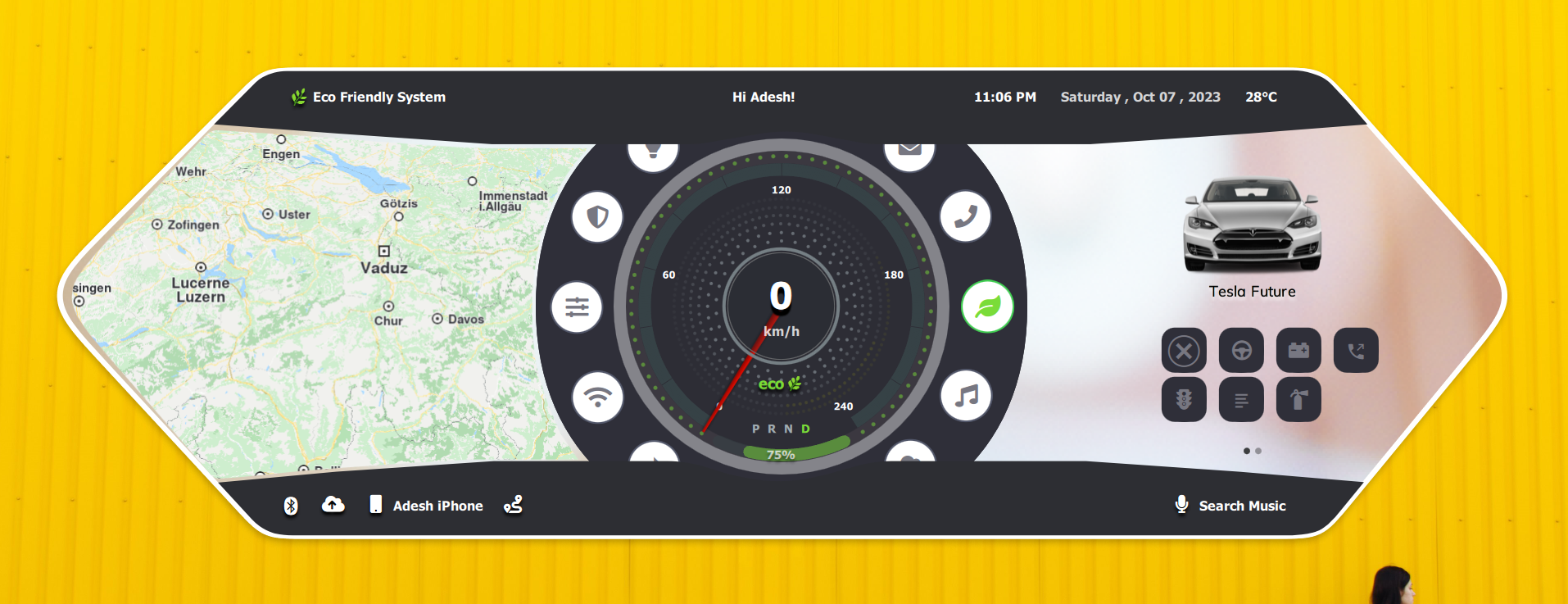
High-performance Qt/QML HMI screen designed for real-time vehicle control and monitoring.
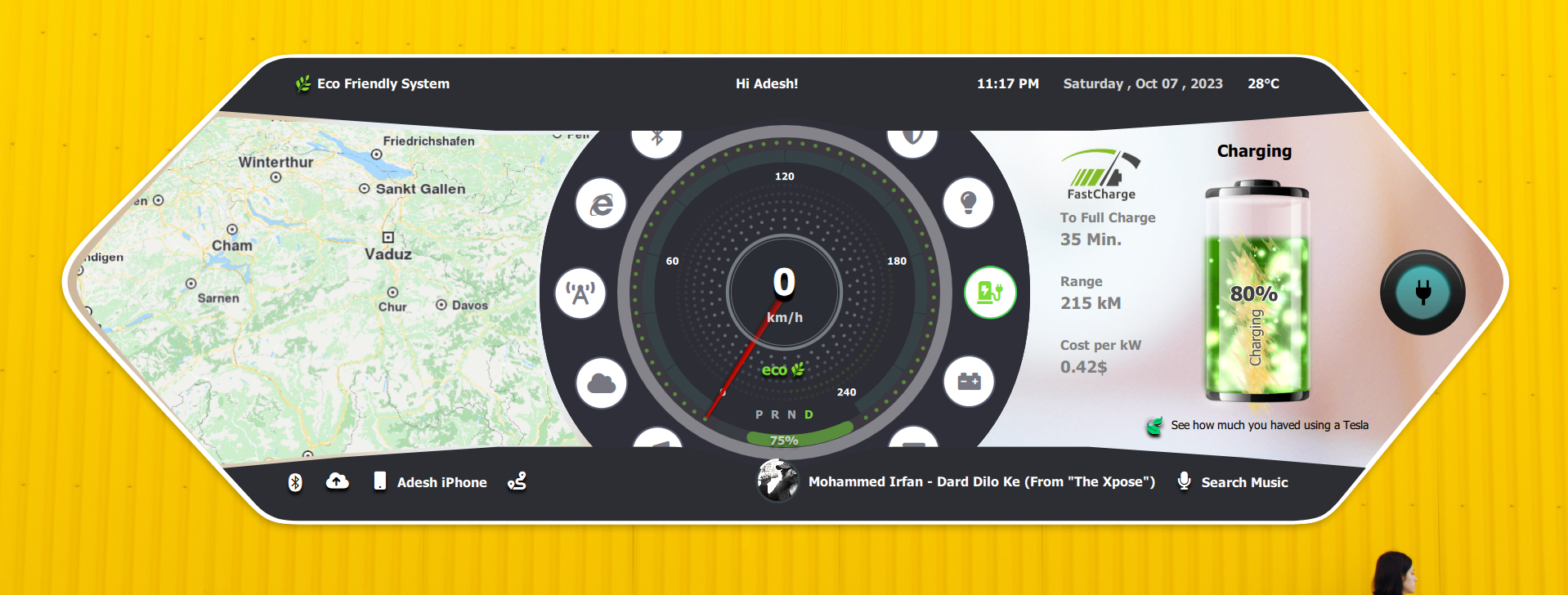
High-performance Qt/QML HMI screen designed for real-time vehicle control and monitoring.
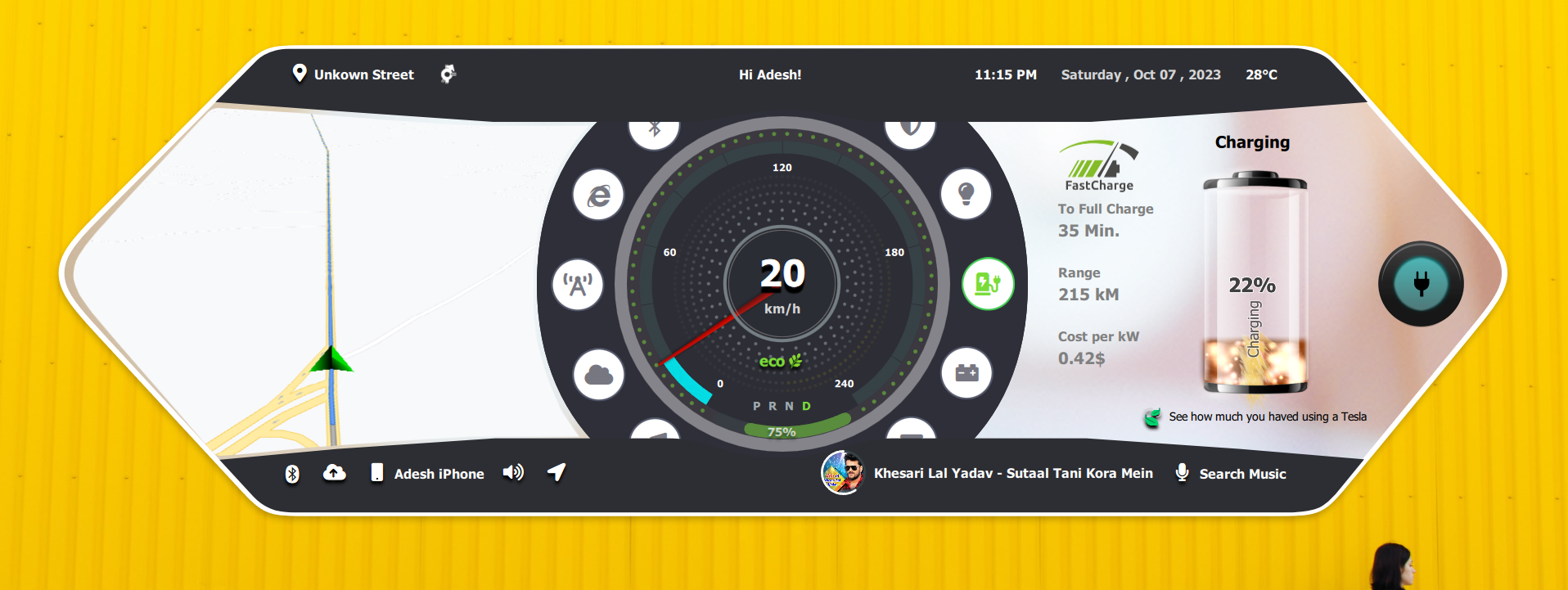
High-performance Qt/QML HMI screen designed for real-time vehicle control and monitoring.
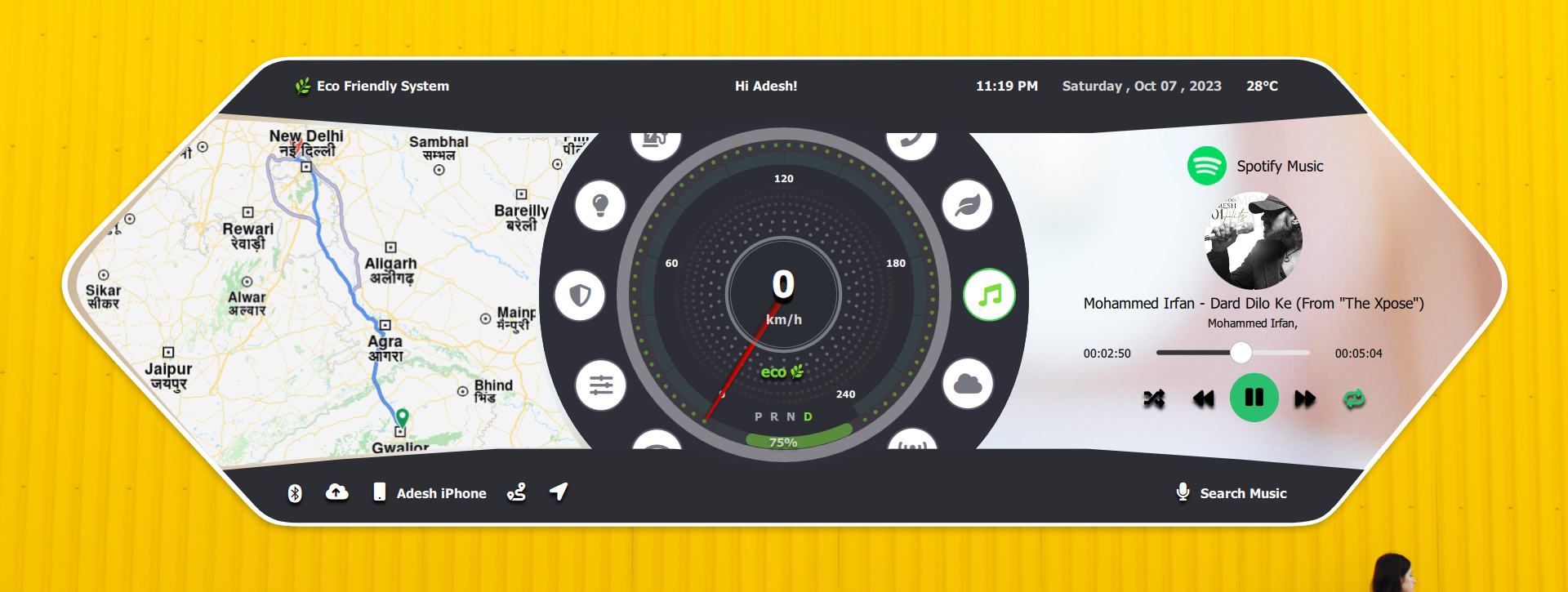
High-performance Qt/QML HMI screen designed for real-time vehicle control and monitoring.
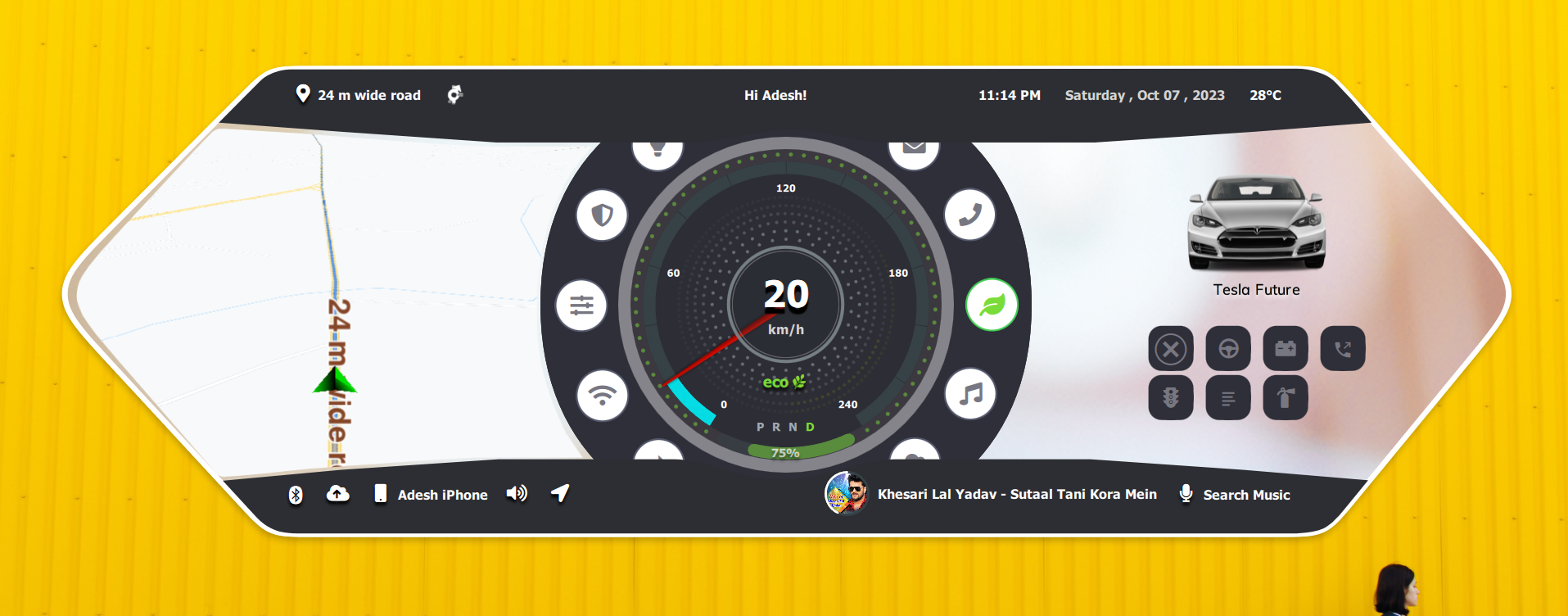
High-performance Qt/QML HMI screen designed for real-time vehicle control and monitoring.
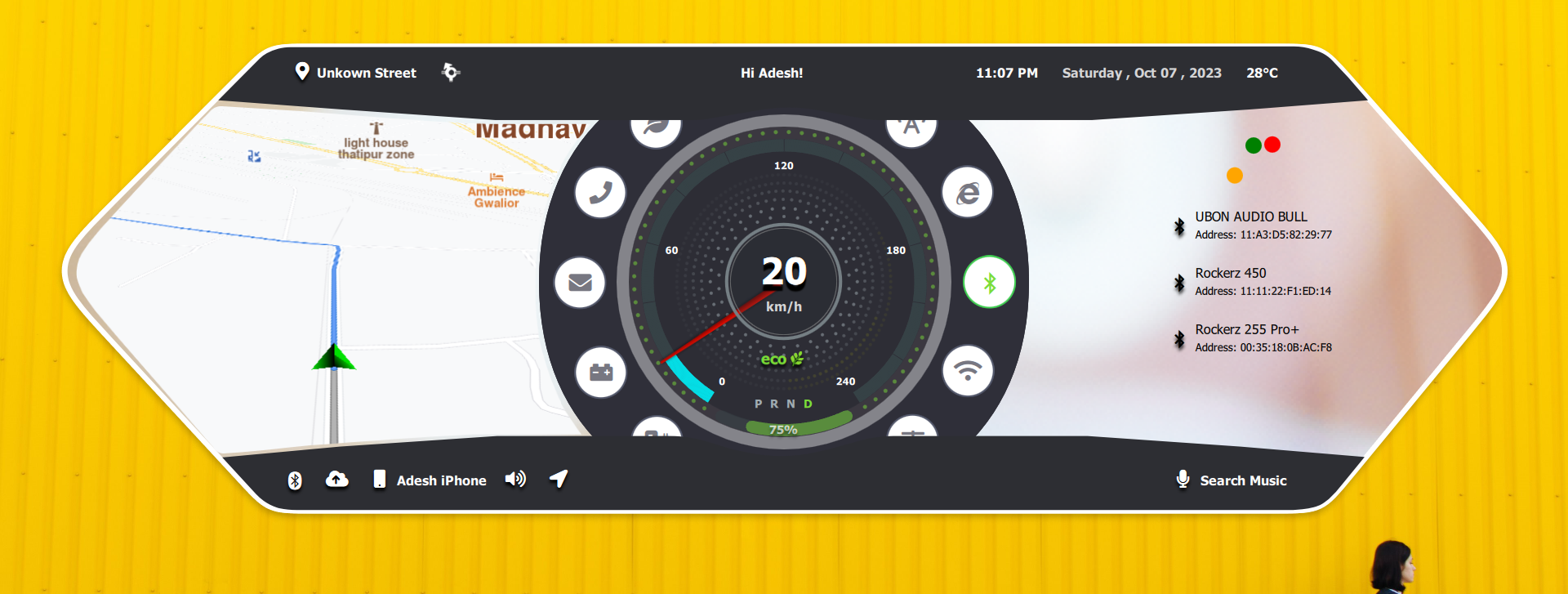
High-performance Qt/QML HMI screen designed for real-time vehicle control and monitoring.
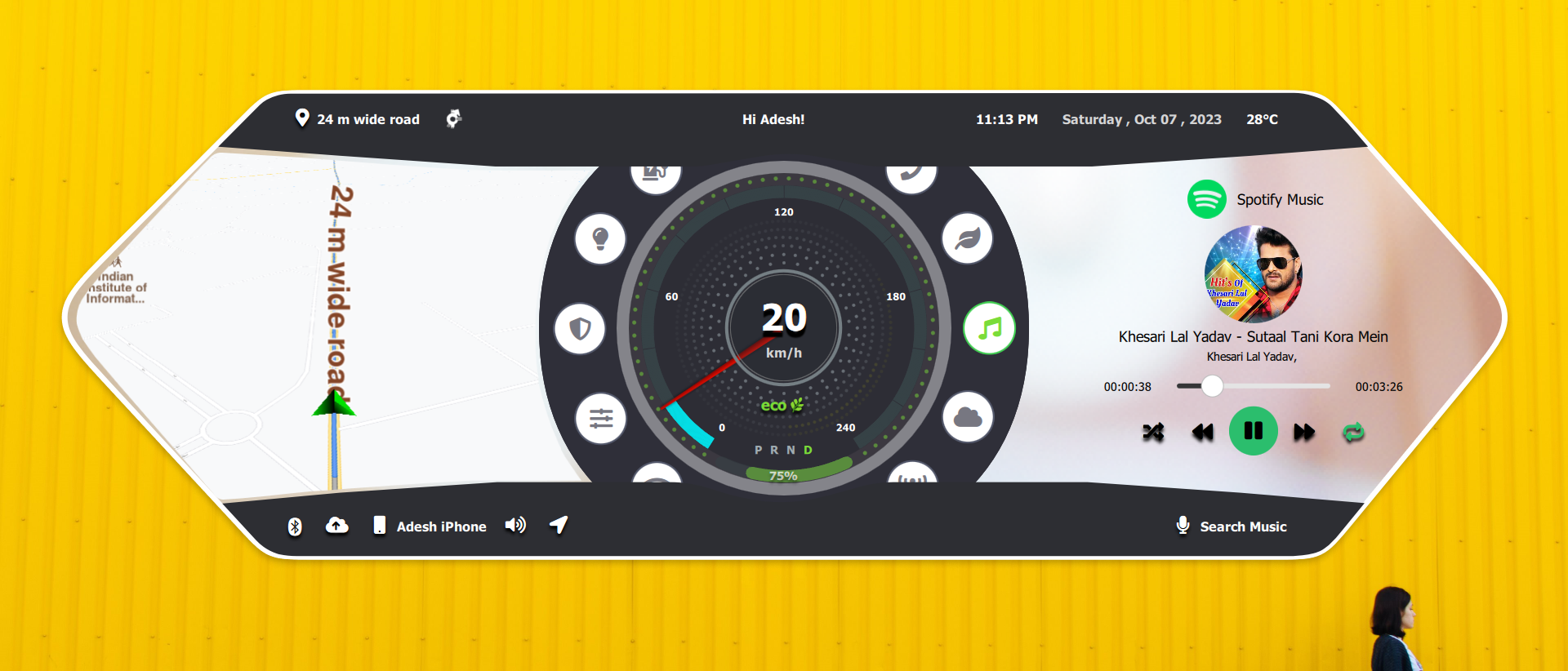
High-performance Qt/QML HMI screen designed for real-time vehicle control and monitoring.
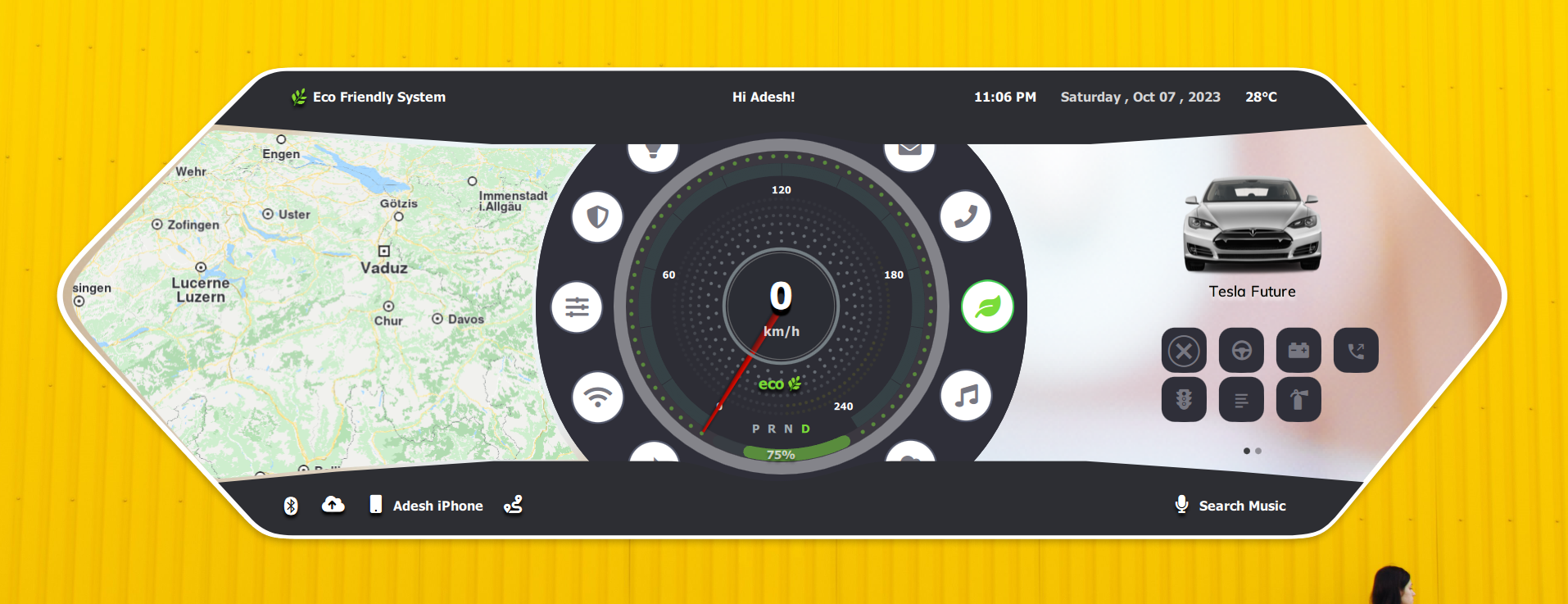
High-performance Qt/QML HMI screen designed for real-time vehicle control and monitoring.
Watch the project in action and explore the source code.
Access the complete project source code, including Qt/QML UI, C++ backend logic, and build configuration.
Related work
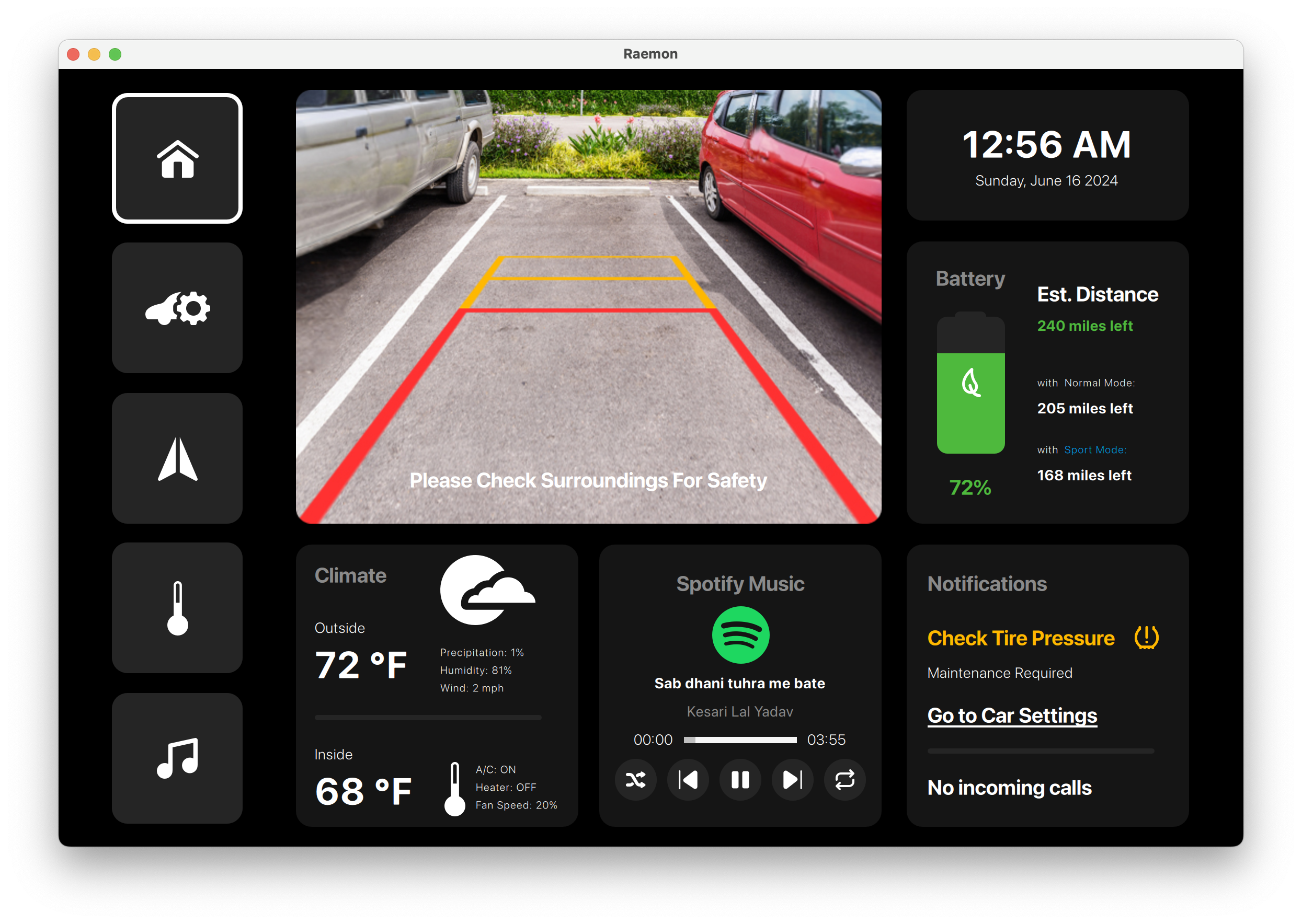
Industrial-grade HMI dashboard built with Qt/QML for real-time machine monitoring and control.
Operator-focused dashboard with reusable screens for monitoring, diagnostics, and controls.
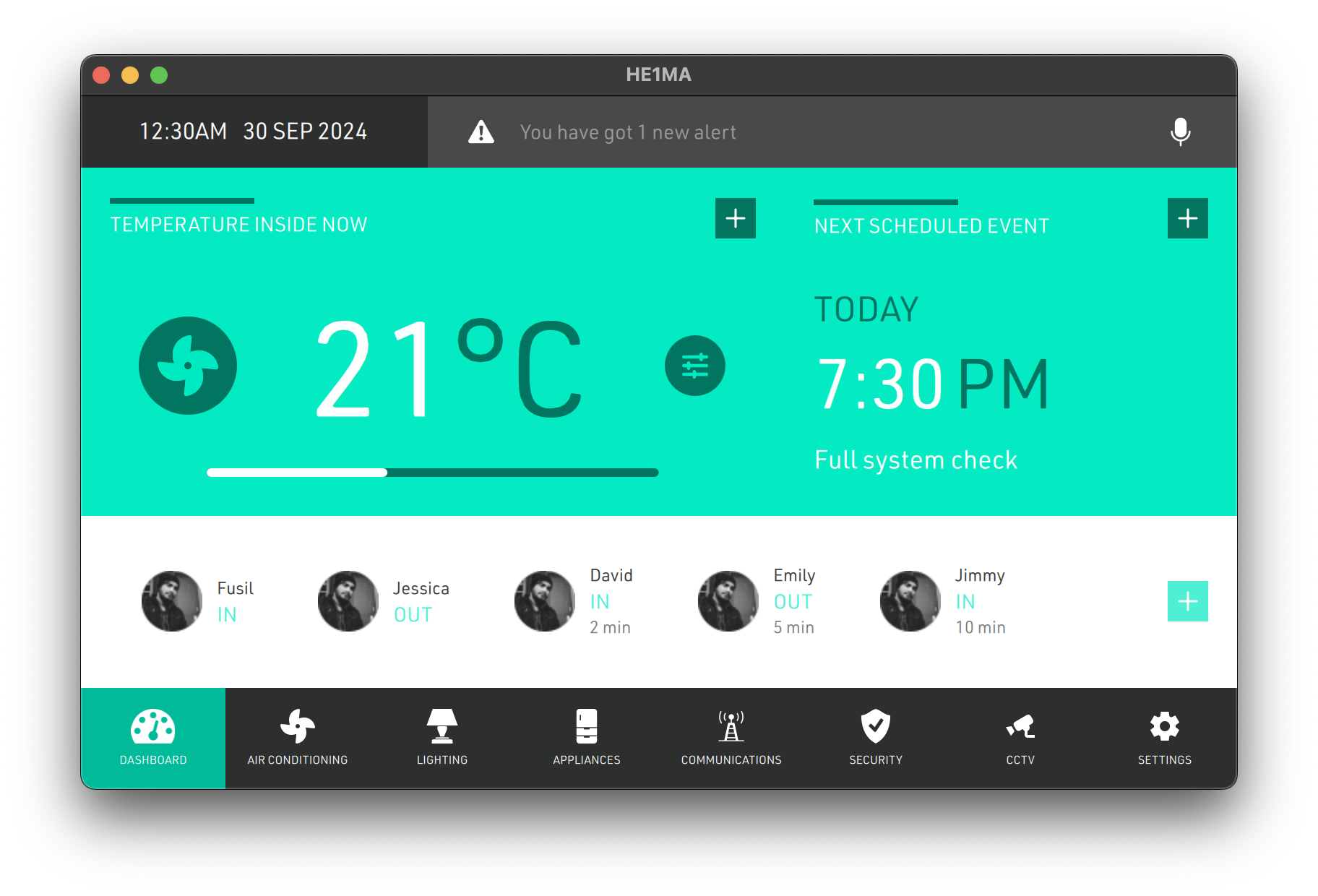
Smart home control interface built with Qt/QML for centralized device management.
Centralized home control UI for rooms, devices, scenes, and environment status.
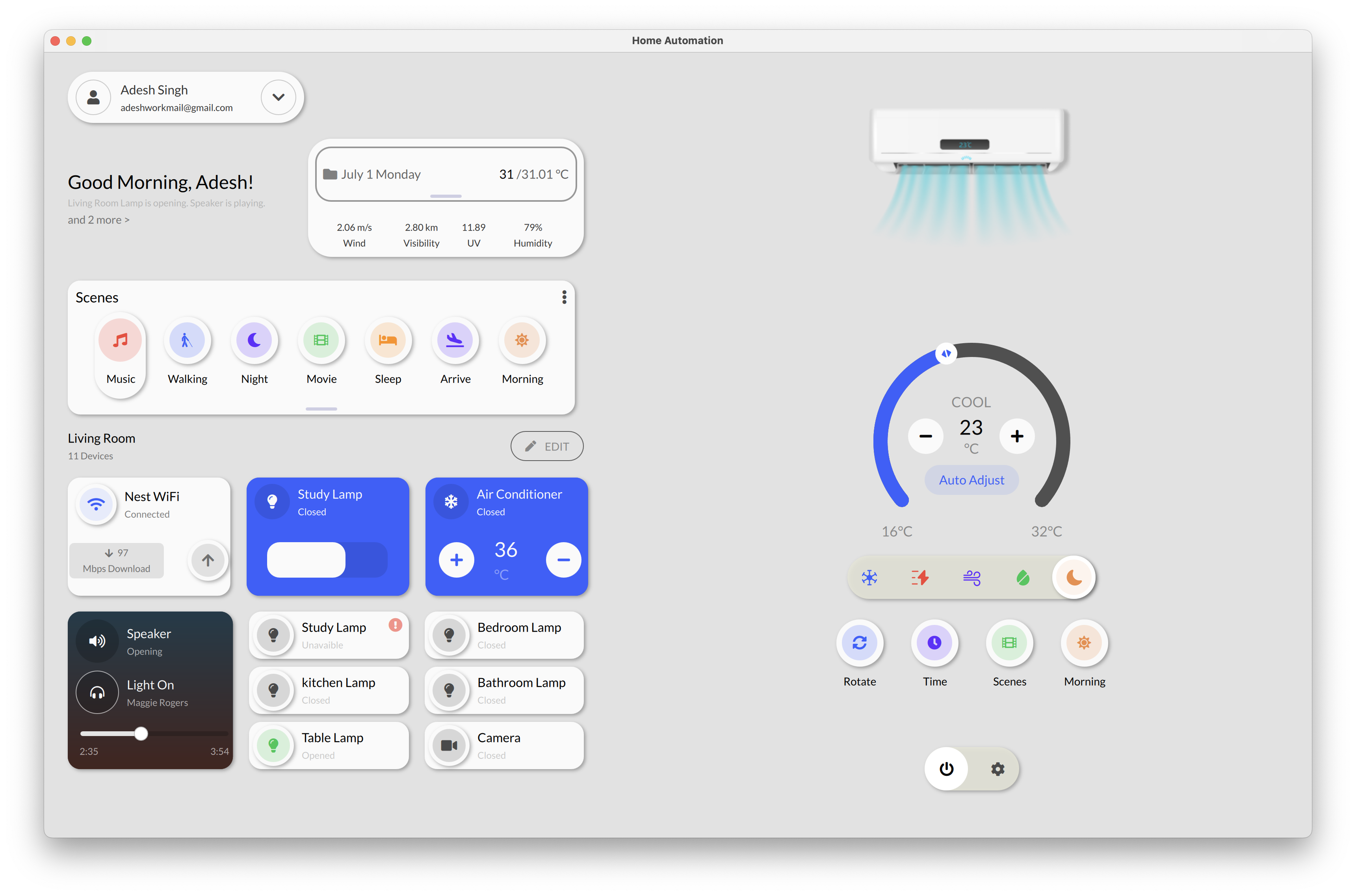
Smart home control interface built with Qt/QML for centralized device management.
A clear control-panel experience for lighting, climate, rooms, and connected devices.
Share your hardware target, UI scope, Qt version, and delivery timeline. We will provide a practical technical assessment.
